VidIQ Review 2025 – Is It the Best YouTube Growth Tool for Beginners?
Key Takeaways
YouTube's Algorithm Prioritizes Viewer Satisfaction: Success hinges on Watch Time, Audience Retention, and Engagement (likes, comments, shares, subscriptions), not just views. The goal is to keep viewers on the platform.
Optimize for Algorithm Signals:
Click-Through Rate (CTR) is vital for initial visibility, driven by strong titles and thumbnails.
Watch Time & Retention demonstrate content quality and keep viewers engaged.
Engagement signals audience connection and value.
Metadata (titles, descriptions, tags) and SEO are crucial for discoverability.
vidIQ is a Powerful Optimization Tool:
It provides data-driven insights to remove guesswork.
Optimize Score offers real-time feedback on video elements before publishing.
AI Coach gives personalized, actionable advice based on your channel's performance.
Create (AI-Powered) helps with topic ideation, hooks, and thumbnail concepts.
Keyword Research identifies high-potential search terms for better discoverability.
Strategic Content & Audience Focus are Essential:
Niche and Consistency build a loyal audience and signal clarity to the algorithm.
Understand Your Audience to create relevant and engaging content.
Community Building through comments, posts, and live streams fosters loyalty.
Strong Channel Branding creates a recognizable and professional presence.
Proactively Address Creator Challenges:
Combat content ideation struggles with AI tools and consistent research.
Adapt to algorithm changes by staying informed and using analytics.
Prevent burnout with realistic goals, time management, and self-care.
Monetization is a Result of Growth: Diverse income streams (ads, affiliates, sponsorships) benefit from a well-optimized and growing channel. vidIQ indirectly supports all these by helping you meet growth targets.
Data-Driven Decisions Provide a Competitive Edge: Tools like vidIQ offer efficiency and superior insights compared to intuition alone, helping creators stand out in a crowded landscape.
Story: How I stumbled onto vidIQ?
A few months ago, I uploaded a video that I’d poured hours into: research, script, re-recording lines until they felt right, even that painstaking thumbnail craft in Canva.
Yet views barely nudged past double digits while comments sat mute. I felt invisible even though my content had value. I scrolled through YouTube Analytics late one night, staring at a bleak graph that refused to climb.
It hit me: YouTube wasn't the problem. My approach was.
That’s when I heard about vidIQ from a friend who skyrocketed a channel in 30 days using it. Skeptical, I decided to try its free plan. Within minutes, I noticed two things. First, the keyword score on my niche video was almost non‑existent.
Second, the thumbnail I labored over scored a weak 60‑percent in “thumbIQ.” I tweaked the title, added focused keywords, and uploaded a thumbnail with a brighter, clearer subject. Twenty‑four hours later, views had doubled, then tripled. Comments began trickling in. And that lonely graph climbed.
So I dug deeper. I upgraded to Pro, then Boost, exploring Optimize, Create, AI Coach. Suddenly, I had a toolset that amplified what I already did: content, consistency, character. No hocus‑pocus. Just smarter execution.
That’s how vidIQ became my secret ally in refining videos, generating ideas and improving thumbnails. I’m sharing this because you might be tired of quiet uploads and muted inboxes.
I want to show you how to stop working in the dark and start using data, creativity and simple hooks to ignite your channel.

Why vidIQ matters now?
You’re probably producing content. Maybe you edit videos till your eyes cross. You follow trends. You post regularly. Yet compared to the effort you're pouring in, the results fall flat. YouTube’s algorithm rewards signals—click‑through rate, watch time, engagement. That’s where vidIQ shines.
It takes guesswork out of optimization. Instead of publishing and hoping, you can check scores for thumbnails, titles, tags, description strength, and search preview all before hitting “Publish.” And after, you can revisit Optimize to uncover weak spots if momentum stalls.
More importantly, it delivers creative sparks. The “Create” feature outlines video topic ideas specific to your niche. It suggests hook statements. It even drafts thumbnail concepts. Suddenly, a blank screen isn’t paralyzing—you have prompts, outlines, visual ideas, and enough juice to fill a week of content.
Then there’s AI Coach. Once you have a few videos live, Coach looks across impressions, clicks, watch time and offers actionable questions like “Why did viewers drop off at 1:30?” or “Try adding a keyword early in the description.” That kind of insight would take hours to find in Analytics—vidIQ flags them in seconds.
My channel grew views by 40 percent in two weeks after using Optimize and AI Coach together. I didn’t need a fancy camera or viral concept—just basic videos improved by data and better thumbnails.
What’s changed for me is confidence. Instead of worrying creators with bigger audiences can outpace me, I focus on smart wins: a crisp title, a hook that speaks to my audience, a thumbnail that stops scrolling, a Coach insight or tag tweak that nudges performance.
But this isn’t only for me. If you’ve been uploading and hoping, vidIQ gives you clear steps to improve. You don’t need to overhaul your style—just enhance it. Today.
Where to take your channel next?
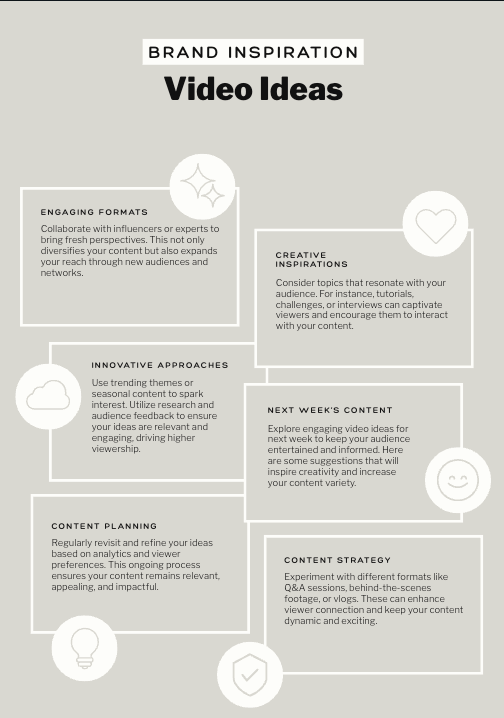
Since optimizing with vidIQ, here’s how I structure my next moves—and you can follow this path too.
First, audit your top five recent videos. Use Optimize and note where each scored below 80 percent—thumbnail weakness, low description score, missing tags. Update those right away. You’ve done this work already—now make sure YouTube rewards you for it.
Second, open Create. Type in your niche—affiliate marketing, cooking quick meals, book reviews, whatever you do—and scroll through the AI‑generated topic suggestions. Pick at least three ideas you hadn’t thought of. That’s your next two weeks of videos without brain strain.
Third, draft thumbnails using AI tool. Generate 5 variations for your next video, choose the most clickable, then load it into Canva to add brand colors or your smiling face. Upload that same day.
Fourth, after posting, wait 48 hours and check Optimize again. Did your click‑through score slip? Did views stall? Use AI Coach to answer “Why,” then revise again. You’re tapping into optimizing after publication, not just before.
Fifth, repeat weekly. And monthly, track your top 3 best‑performing videos and list why they clicked. Was it the title angle, the thumbnail colors, the hook script? Write that down. Use those patterns to fuel future content.
That’s the path: publish, audit, ideate, design, tweak, repeat. It’s loop‑based growth. Not drama. Not one‑hit wonders. Consistent, analytical, creative.
How it feels?
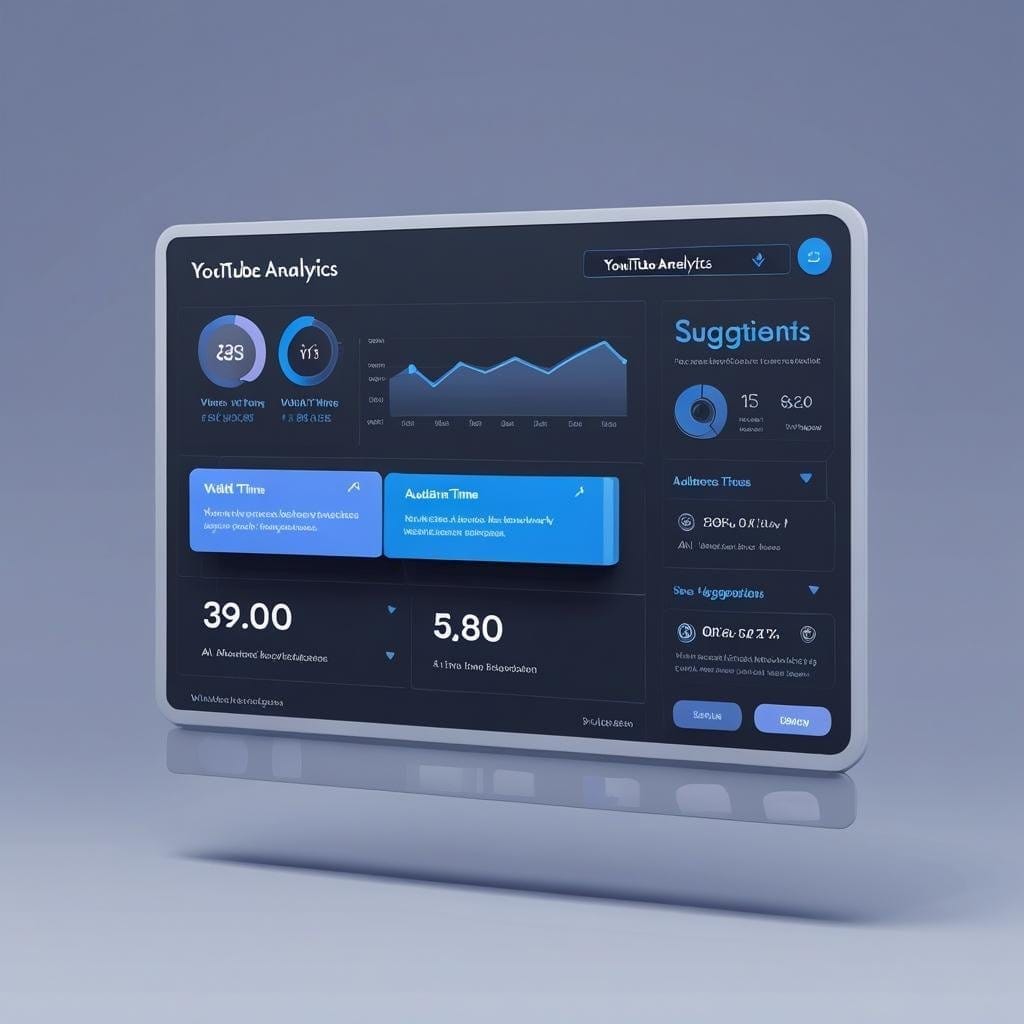
Now when you edit a video you don’t feel anxious about “it might flop.” You feel curious: “How will Optimize rate it? Can I beat my last thumbnail score? Did AI Coach give me a new keyword angle?” You’re running small experiments instead of crossing fingers. That mindset alone lifts your process, your agency, and your channel momentum.
Final Thoughts
By implementing Optimize, Create, Coach and a clear weekly cycle for auditing and acting, you begin operating like a creator who understands the algorithm and respects your audience’s attention. And that combo produces the results you deserve: more views, more engagement, more satisfaction in knowing you’re working with intention—not hope.
Frequently Asked Questions
Q: Can I use vidIQ effectively on the free plan?
A: Yes—you can test Optimize and basic thumbnail analysis before upgrading. But free leaves out advanced thumb creation and AI Coach. If you have budget for Pro, that’s where the real momentum starts.
Q: How long before I see results?
A: Some creators see lifts in 2–3 days for optimized titles and thumbnails. AI Coach suggestions take longer—1–2 weeks. But once you repeat the loop consistently, results compound.
Q: Is it only for YouTubers in affiliate marketing?
A: No. Optimize, Create and Coach adapt to any content vertical. I just happen to use it for affiliate marketing, but it works for cooking, tutorials, gaming, fitness, photography—everything.
Q: Can I skip Canva and use vidIQ thumbnails directly?
A: You can, but adding brand touches in Canva gives you a recognizable style. Thumbnails are your channel’s visual spine—make them stick in minds.
Q: Will YouTube penalize me for changing titles/thumbnails after publishing?
A: No—YouTube values updates that improve performance. Many creators swap thumbnails in day 2‑3 to boost click‑through, and that helps more than hurts.



Let's get social


Created with © systeme.io